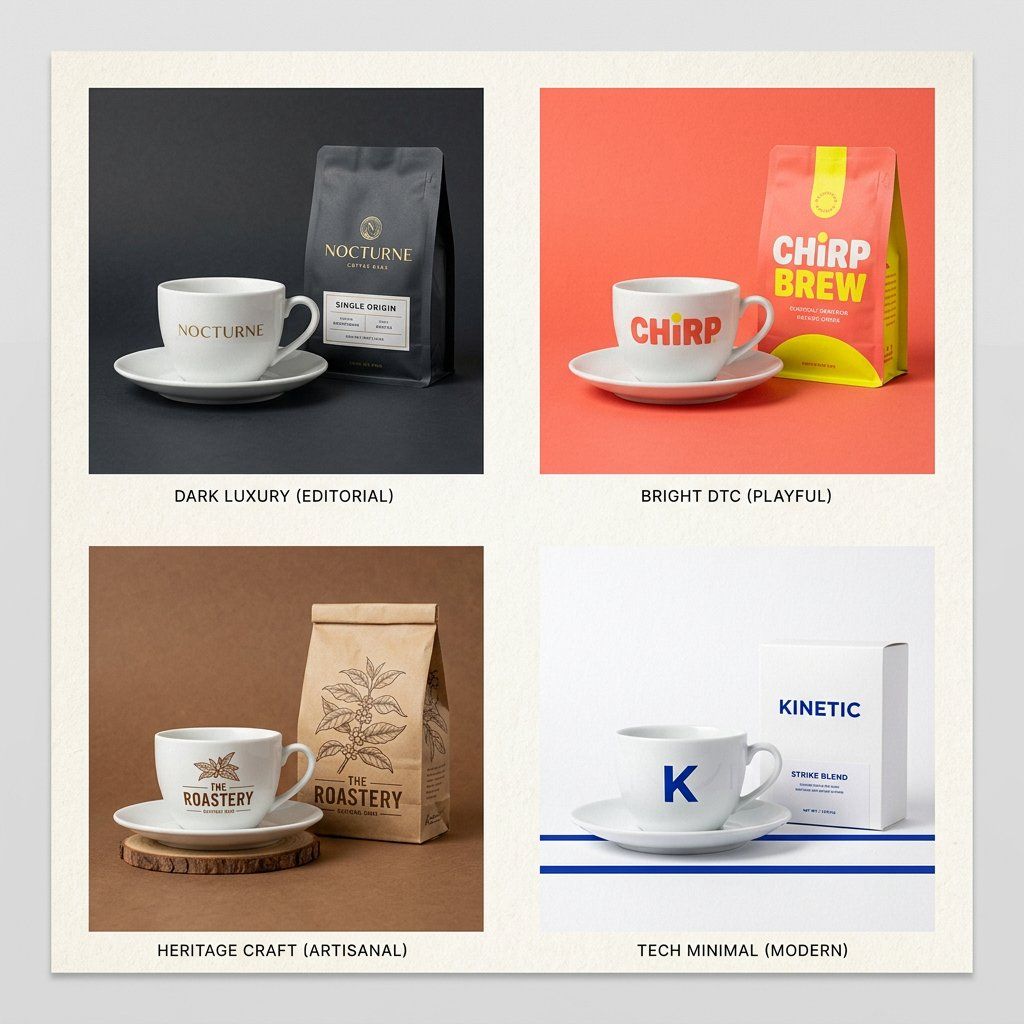
品牌信封| GPT Image-2 提示符 # 89 这会拍摄任何产品照片并将其包装在您特定的品牌世界中。每次都有不同的产品。每次都是同一个品牌。 PHASE 1 / ANCHOR :在 2 行中描述 [BRAND IDENTITY]。调色板、质地、情绪。 PHASE 2 / INJECT :将 [PRODUCT] 放入该品牌世界中,而不是相反。 PHASE 3 / FORMAT :设置 [OUTPUT FORMAT] 。主视觉图(Hero)、方形广告或 Story 格式。 PHASE 4 / SIGNATURE :适用 [BRAND ELEMENT] 。颗粒、阴影或叠加。 交换:[BRAND IDENTITY] / [PRODUCT] / [FORMAT]
查看原图 原始提示词
The Brand Envelope | GPT Image-2 Prompt #89 This takes any product photo and wraps it in your specific brand world. Different product each time. Same brand, every time. PHASE 1 / ANCHOR: Describe [BRAND IDENTITY] in 2 lines. Palette, texture, mood. PHASE 2 / INJECT: Place [PRODUCT] inside that brand world, not the reverse. PHASE 3 / FORMAT: Set [OUTPUT FORMAT]. Hero, square ad, or story. PHASE 4 / SIGNATURE: Apply [BRAND ELEMENT]. Grain, shadow, or overlay. Swap: [BRAND IDENTITY] / [PRODUCT] / [FORMAT]
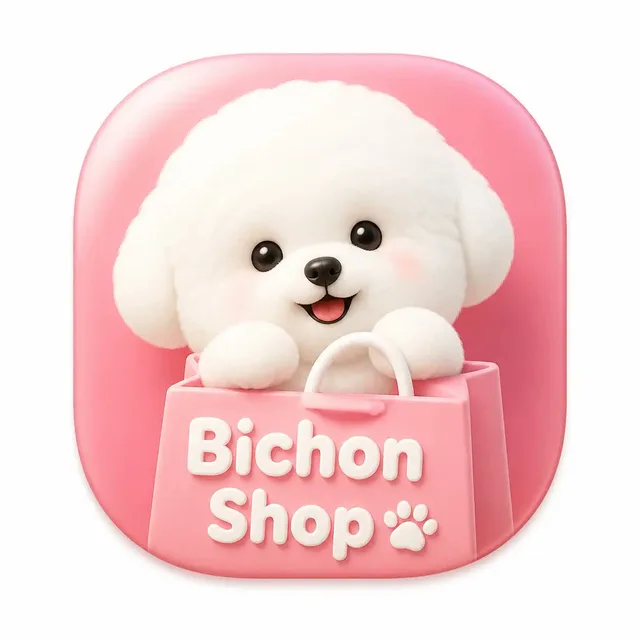
以上为来源页所载提示词,可选中文本复制。本站译文与解读在下方单独列出。
中英对照
本条译文由自动翻译生成,可与原文对照使用。
The Brand Envelope | GPT Image-2 Prompt #89 This takes any product photo and wraps it in your specific brand world. Different product each time. Same brand, every time. PHASE 1 / ANCHOR: Describe [BRAND IDENTITY] in 2 lines. Palette, texture, mood. PHASE 2 / INJECT: Place [PRODUCT] inside that brand world, not the reverse. PHASE 3 / FORMAT: Set [OUTPUT FORMAT]. Hero, square ad, or story. PHASE 4 / SIGNATURE: Apply [BRAND ELEMENT]. Grain, shadow, or overlay. Swap: [BRAND IDENTITY] / [PRODUCT] / [FORMAT]